Etsy Listings Video Mockup: A Practical Design Solution
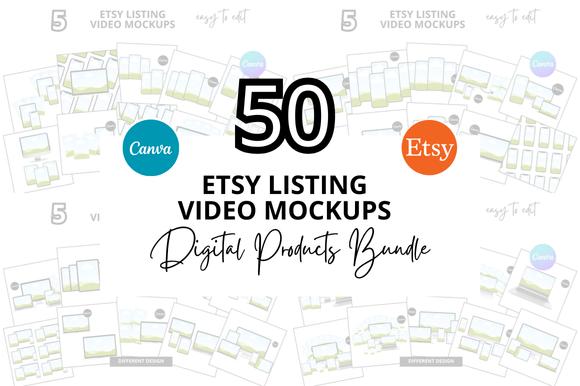
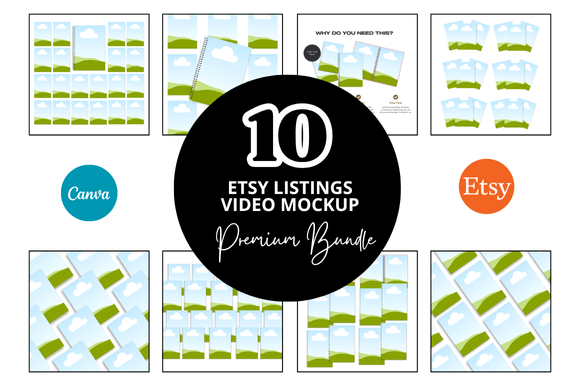
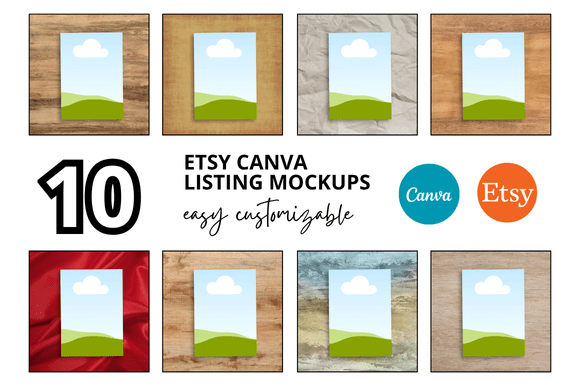
If you sell digital products on Etsy, you already know that presentation matters just as much as the product itself. The 10 Etsy Listings Video Mockup bundle offers a streamlined way to showcase your digital goods without spending hours in complex software. Whether you are a seasoned Etsy seller or just launching your shop, having a consistent, professional look for your listings can make the difference between a browser and a buyer. These mockups, built for Canva, give you instant access to a polished visual system that works across your entire shop.
What Makes This Mockup Bundle Different
The Etsy Listings Video Mockup set is designed with the busy seller in mind. At first glance, you will notice the clean, uncluttered layout that puts your product front and center. The mockups use a 2000 x 2000 pixel square format, which is exactly what Etsy recommends for listing images and videos. This means no awkward cropping, no resizing headaches, and no guessing whether your thumbnail will look right on mobile devices.
The visual style leans toward a modern, minimalist aesthetic. Soft shadows, subtle lighting, and neutral backgrounds allow your product to take the spotlight. There is no heavy ornamentation or distracting graphic elements. Instead, the mockups feel airy and approachable, making them suitable for a wide range of digital products including printables, planners, digital art, templates, and educational materials. The personality here is professional yet warm, which aligns well with the trust-based nature of Etsy transactions.
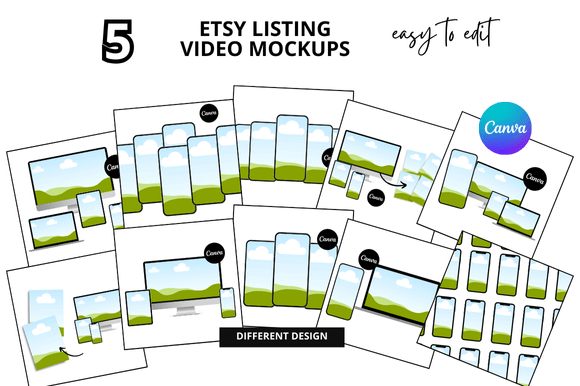
Beyond still images, the bundle includes video mockup capabilities. This is increasingly important as Etsy pushes video content in search results and listing pages. A short video clip of your product being used or displayed can significantly boost engagement rates. Using the Etsy Listing Video Mockup templates, you can create these videos quickly without learning video editing software. Canva handles the heavy lifting, and you simply drop in your content.
Where These Mockups Shine in Real Projects
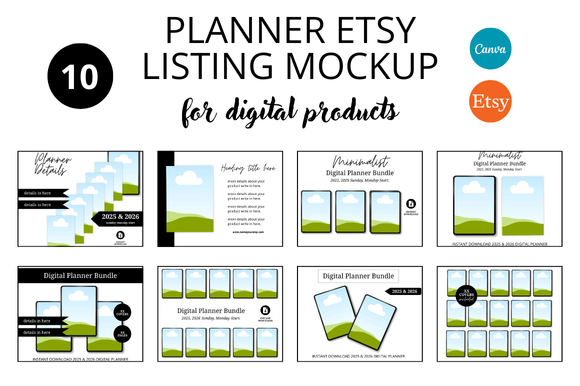
The versatility of this bundle becomes apparent when you start applying it across different types of listings. For a digital planner seller, the mockups provide a realistic preview of how the planner pages look on a tablet or laptop screen. For a printable wall art shop, the framed mockups give customers a sense of scale and placement in a real room. This contextual presentation helps buyers visualize your product in their own lives, which reduces hesitation and returns.
Beyond Etsy listings, these mockups work well for social media graphics, Pinterest pins, Instagram posts, and even blog featured images. If you cross-promote your products on platforms like Instagram or TikTok, having consistent visual branding across channels builds recognition. The Etsy Listings Video Mockup templates can be repurposed for social media stories, promotional banners, and email marketing graphics. This kind of multitasking saves you from designing the same thing twice.
For sellers who offer bundles themselves, the mockup templates provide a cohesive look when displaying multiple products together. You can show a full digital shop bundle in one clean image, making it easier for customers to understand what they are getting. This is especially effective for Etsy Digital Shop Bundle offerings where you want to highlight variety without cluttering the visual.
Practical Applications Across Creative Projects
Let us look at specific scenarios where these mockups add real value:
- Logo design and branding projects: If you sell logo templates or brand identity kits, the mockups let you display your work on business cards, stationery, and digital screens in a single cohesive image.
- Editorial and publishing: For sellers of magazine templates, ebooks, or workbooks, the mockup style conveys a polished, editorial feel that implies quality content inside.
- Packaging design: Even digital products benefit from packaging presentation. Mockups of product boxes, labels, or tags help customers imagine receiving something tangible.
- Web design and social media: Use the video mockup format to create quick walkthroughs of your digital dashboard, planner interface, or template customization process.
The Canva Link Templates aspect is worth highlighting. Because everything lives in Canva, you can share editable links with clients, collaborators, or even include them as bonus freebies with your listings. This collaborative capability is a strong selling point for sellers who offer custom work or want to provide added value.
How These Mockups Influence Buyer Trust and Engagement
Typography and visual hierarchy often get overlooked when sellers focus on product content. However, the way your listing images present information directly affects readability and brand perception. With a clean mockup system, you guide the viewer's eye naturally from the product to the title to the call-to-action. Consistent framing across your entire shop builds a sense of professionalism and reliability. Buyers subconsciously notice when a shop uses uniform, high-quality visuals. That consistency signals that you care about the details, which extends to your digital products as well.
A well-structured mockup also improves audience engagement. When customers can quickly parse what a product looks like and how it is used, they are more likely to click, save, and eventually purchase. The Etsy Mockup Templates in this bundle are designed to reduce cognitive load. There is no busy background fighting for attention, no confusing text overlays. The product remains the hero, which is exactly what effective listing design demands.
Brand recognition grows when your listing images share a common visual language. If a customer scrolls past three of your listings and each one uses the same mockup style, they begin to associate that look with your brand. Over time, this recognition can lead to repeat purchases and word-of-mouth referrals. The Etsy Printable Mockup bundle helps you establish that visual consistency from day one, without needing to learn advanced graphic design skills.
Choosing the Right Mockup System for Your Shop
When evaluating whether the 10 Etsy Listings Video Mockup bundle fits your needs, start by considering your product type and shop aesthetic. If you sell minimalist planners or simple wall art, these clean mockups will align naturally. If your products are more colorful or ornamental, test a sample image first to see how the neutral backdrop complements your designs rather than competing with them.
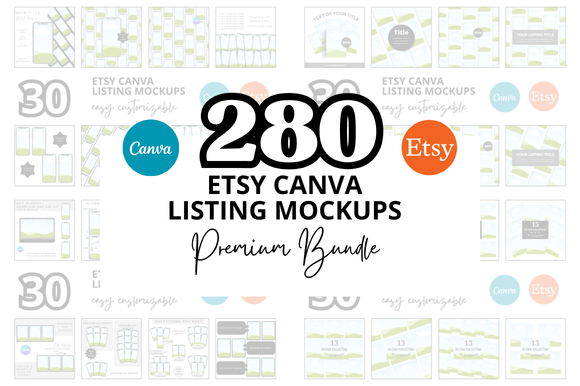
Think about the variety of listings you plan to create. A shop with twenty different products may benefit from a system that offers multiple angles, different device frames, and both still and video formats. The Etsy Listing Video Mockup bundle addresses this by providing multiple templates within one package, so you are not stuck repeating the same layout for every listing.
Consider how much time you currently spend on listing images. If you find yourself tweaking dimensions, adjusting shadows, or redoing layouts for each new product, this system can save hours. The templates are fully customizable in Canva, meaning you can adjust colors, text, and elements to match your brand guidelines. For sellers who value efficiency without sacrificing quality, this is a practical investment.
Testing Font Pairings and Readability
Since the mockups include text areas for titles, prices, and descriptions, your font choices matter. The serif font options in the templates work well for elegant, traditional products, while sans serif font choices suit modern, clean designs. If you use script font or handwritten font elements, keep them limited to headings or decorative accents to maintain readability at small sizes.
When pairing fonts, follow a simple principle: use one font for headlines and another for body text. The mockups typically include placeholder text formatted with this hierarchy, so you can preview how different combinations look before committing. For Etsy listings, readability on mobile screens is non-negotiable. Avoid thin fonts or overly decorative styles for any text smaller than 24 pixels. The modern typography in these mockups is chosen for clarity first, style second.
Reviewing Included Styles and Licensing
Before using any mockup bundle commercially, check the licensing terms. The design assets in this package are intended for commercial use in your Etsy shop, but you should confirm whether you can modify and resell the mockup templates themselves. In most cases, you are using the mockups to present your own products, which falls within standard commercial licensing. If you plan to offer the mockups as part of a Etsy Canva Bundle that you resell, verify the license allows that specific use.
The bundle includes multiple file formats viewable directly in Canva, which means you do not need additional software. This is a significant advantage for sellers who work across different devices or collaborate with assistants. The Canva Templates are stored in your account, so you can access them anytime, share links, and create variations without duplicating work.
Practical Recommendations for Getting Started
Begin by selecting one product and running through the full mockup workflow. Choose a still image template and a video template, then customize them with your product, brand colors, and fonts. Post both versions in your listing and compare performance over a week. Pay attention to click-through rates and whether the video version generates more saves or inquiries. This small test will tell you whether the Etsy Video Mockup format resonates with your audience.
Next, apply the same mockup style to your shop banner, social media profiles, and any promotional graphics. The consistency will reinforce your brand identity and make your shop feel cohesive. Even if you only use the Etsy Banner Templates from the bundle, that single element can elevate your shop's perceived professionalism.
For sellers with multiple product categories, create a template for each category using different background tints or frame styles while keeping the overall layout consistent. This gives your shop variety without sacrificing cohesion. The Square Listing Templates ensure every image fits perfectly within Etsy's grid, so your shop front looks intentional and well-organized.
Finally, take advantage of any bonus freebies included in the bundle. Often these extras include additional mockup variations, social media templates, or color palette suggestions. Incorporate them into your workflow even if you only use them occasionally. They add depth to your visual toolkit at no extra cost.
The Etsy Listings Video Mockup bundle offers a practical, time-saving solution for sellers who want professional presentation without a steep learning curve. By focusing on clean design, consistency, and versatility, it helps you build trust with buyers and present your digital products in the best possible light. Whether you are a new seller or an experienced shop owner, having a reliable mockup system frees you to focus on what matters most: creating great products and serving your customers.