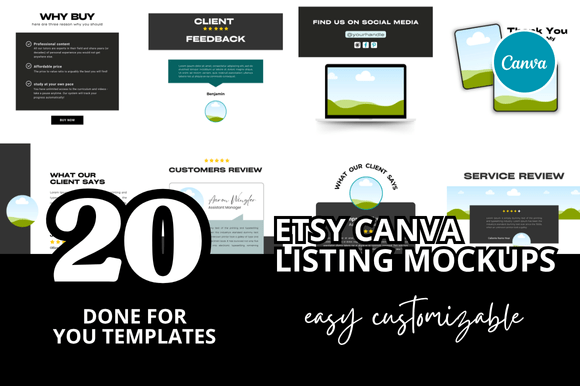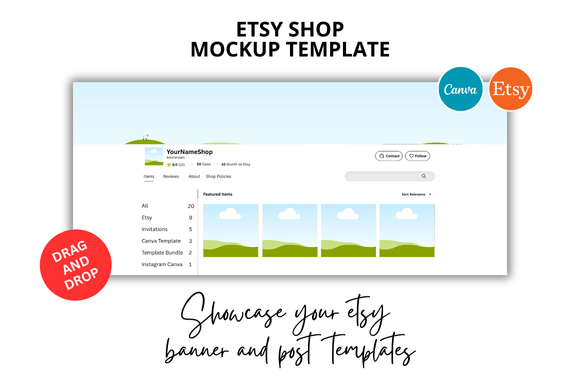
Etsy Shop Mockup Template Guide
If you sell digital products on Etsy, you already know that presentation is everything. The difference between a listing that stops a scroller and one that gets passed over often comes down to how your mockup looks. That is exactly where an Etsy Shop Mockup Template steps in. It is not just a pretty frame. It is a tool that transforms your flat digital file into something a buyer can immediately imagine using, gifting, or displaying in their own space.
I have worked with Etsy sellers for years, and the ones who treat their mockups with the same care they give their actual product consistently see better click-through rates and fewer abandoned carts. A well-designed mockup does not trick anyone. It simply shows the product in its best light, and that builds trust from the first glance.
What an Etsy Shop Mockup Template Actually Looks Like
Visually, a quality Etsy Shop Mockup Template tends to feel clean, modern, and intentional. Think soft shadows, balanced composition, and enough negative space so your product stays the hero. The best templates avoid clutter. They might include subtle lifestyle elements like a desk corner, a plant, or a notebook, but they never overwhelm the actual item you are selling.
The personality of a solid mockup template is confident but not loud. It signals that you run a professional shop without needing to shout about it. The style often leans minimal, with neutral backgrounds and natural lighting cues that work across many niches. Whether you sell planners, wall art, digital stickers, or social media templates, a versatile mockup adapts to your product rather than forcing your product into a rigid scene.
When I review templates for my own shop, I look for ones that feel like a real photo someone might take on their phone. Not overly staged, not overly sterile. Just believable enough that a potential buyer can picture themselves using the product.
Where These Mockups Work Best
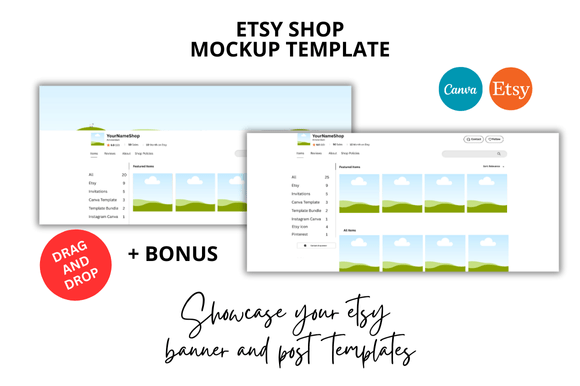
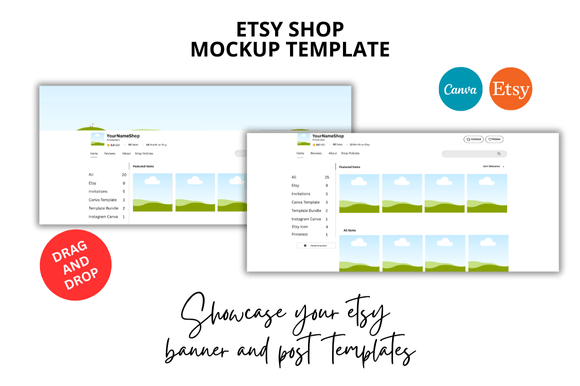
The obvious answer is Etsy listings, but let me break that down further. An Etsy Shop Mockup Template works across every part of your shop presence. Your listing thumbnails, your banners, your social media promotions, and even your packaging inserts (if you sell physical products) all benefit from consistent mockup styling.
In practice, I have seen sellers use these templates for:
- Listing covers that stand out in search results and category pages
- Etsy banner designs that create a cohesive brand look across the shop
- Social media graphics for Instagram, Pinterest, and TikTok to drive traffic
- Portfolio presentations for designers and content creators showcasing their work
- Email marketing visuals for newsletters and promotional campaigns
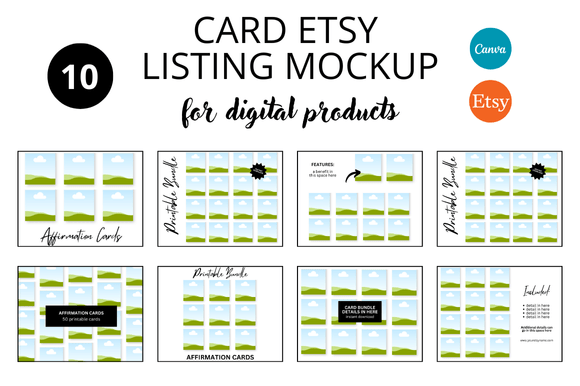
- Digital bundles where multiple products appear together in one cohesive scene
The versatility matters because you are not just designing one listing. You are building a brand identity across your entire shop, and consistent mockups are one of the fastest ways to achieve that. Buyers who recognize your style from one listing to another are more likely to explore your full catalog.
How Mockup Templates Influence Readability and Brand Perception
Here is something many new sellers overlook. A mockup does more than display a product, it sets expectations. When your Etsy Shop Mockup Template is clean and well-composed, it signals to the buyer that you pay attention to detail. That perceived care transfers directly to your product, even if the buyer has not downloaded it yet.
Readability plays a role here too. If your mockup includes text overlays, the font choices and spacing matter. A cluttered mockup with hard-to-read text creates friction. A spacious mockup with clear typography lets the buyer absorb your value proposition in under two seconds. That is the window you have when someone scrolls through search results.
From a brand identity perspective, your mockup is often the first impression a potential customer has of your shop. If that impression is polished and consistent, you build recognition over time. Buyers start to associate your visual style with quality, which makes them more likely to purchase again. I have watched shops grow simply by standardizing their mockup approach across every listing.
There is also a practical side. When you use a template that already handles lighting, shadows, and composition, you save hours of design time. That time can go into improving your actual product, refining your descriptions, or testing new keywords. The template becomes a productivity tool, not just a decoration.
Practical Guidance for Choosing the Right Mockup Template
Not every Etsy Shop Mockup Template will fit your specific product type, and that is okay. The key is knowing what to evaluate before you download or create one.
Match the Template to Your Product Category
A mockup designed for a printable wall calendar will look different from one meant for a digital planner or a set of stickers. Consider the shape, size, and orientation of your product. Square mockups work well for social media and listing thumbnails, while vertical or horizontal compositions suit banners and video previews. If you sell multiple product types, consider having two or three template variations that share a consistent background and lighting style.
Test How the Template Handles Different Colors and Textures
Drop your product into the template and look at how the colors interact. Does your product blend into the background? Does the shadow look natural or fake? A good template should make your product pop without requiring you to adjust your original design. If you find yourself constantly tweaking contrast or brightness, the template might not be the right fit.
Consider Font Pairings and Typography Within the Mockup
Some mockup templates include text placeholders, like "Your Title Here" or a brand name. If you plan to use those elements, pay attention to the font pairing included. Even if you replace the text, the style of the template influences how your typography reads. A modern sans serif font feels clean and approachable, while a serif font adds a traditional, trustworthy tone. Script fonts and handwritten fonts can work well for creative or craft-oriented shops but may reduce readability in smaller sizes. Choose based on your audience and the feeling you want to convey.
Review the Included Styles and Variations
A strong Etsy Shop Mockup Template offers multiple angles or scenes. Maybe one flat lay shot and one angled perspective. Maybe a version with a laptop and one without. These variations let you create a full listing with several images that tell a story. Buyers appreciate seeing the product from different angles because it reduces uncertainty about what they are purchasing.
Check the Commercial Licensing
This one matters more than most sellers realize. If you are using a template from a designer or a marketplace, make sure the license covers commercial use. You are selling the product inside the mockup, so you need permission to use the mockup itself for that purpose. Most reputable sellers include commercial licensing, but it is worth double-checking before you invest time in building your listings.
Think About Your Workflow
If the template is a Canva Instant Download, make sure you are comfortable editing inside Canva. Canva is beginner-friendly and fast for making quick tweaks. If you prefer more control over shadows and lighting, a template designed for Photoshop or Illustrator might offer deeper customization. Choose the tool that matches your skill level and the time you want to spend per listing.
Real-World Observations from Using Mockup Templates
I have watched sellers overcomplicate their mockups by adding too many props, too many fonts, or too many product shots in a single image. The most effective listings I have seen use one clear mockup for the thumbnail and then variations for the additional images. That first image needs to communicate what the product is and why someone needs it, all within a tiny thumbnail on a phone screen.
An Etsy Shop Mockup Template that comes with bonus freebies like matching social media graphics or additional backgrounds can save even more time. Just be careful not to use every option at once. Consistency across your shop is more important than variety. A buyer who sees ten different mockup styles in your shop may not recognize your brand from one listing to the next.
I also recommend creating a small style guide for yourself. Note which template you use for each product type, which background color you prefer, and how you position your product within the frame. That guide will speed up your workflow and keep your shop looking cohesive even as you add new listings over months or years.
Making the Mockup Work for You
At the end of the day, a mockup template is a tool, not a magic solution. The best Etsy Shop Mockup Template is the one that lets your product shine without distracting from it. When you find a template that fits your product category, your brand style, and your technical comfort level, you can stop worrying about design and start focusing on what matters most, creating products that your customers will love.
If you are new to using mockups, start with one template and use it across five to ten listings. See how your click-through rates change. Listen to feedback from customers. Adjust from there. The sellers who treat mockups as an evolving part of their shop strategy, rather than a one-time setup, are the ones who build lasting shops with loyal followings.
And yes, save those hours of design time. Use them to refine your product, write better descriptions, or simply take a break. Your shop will be better for it, and your customers will notice the difference in every corner of your Etsy presence.