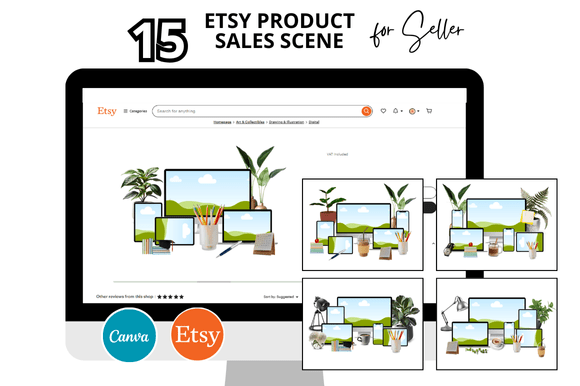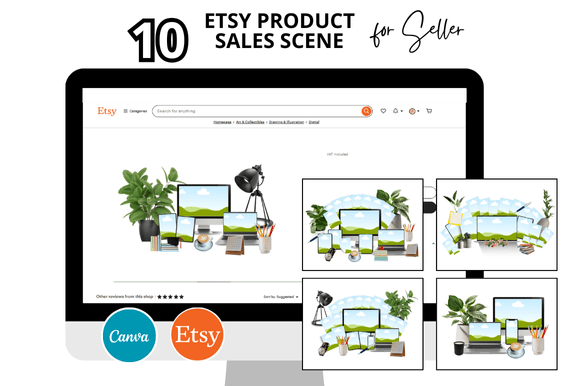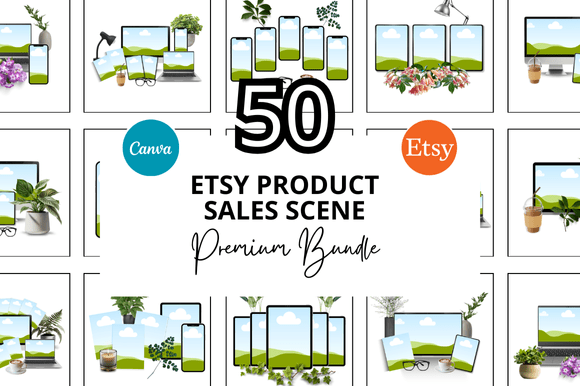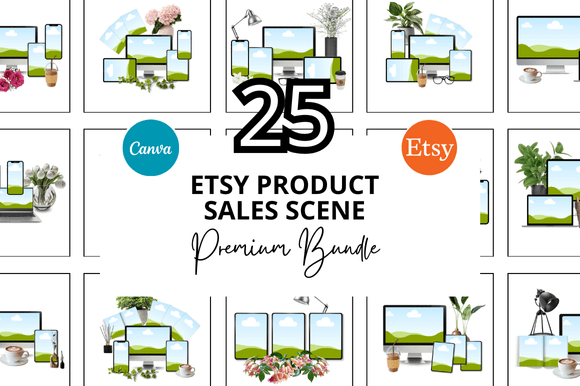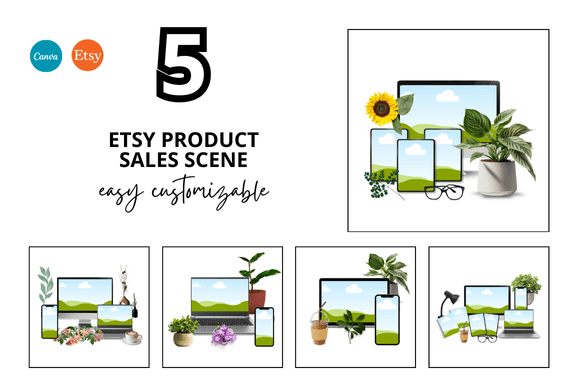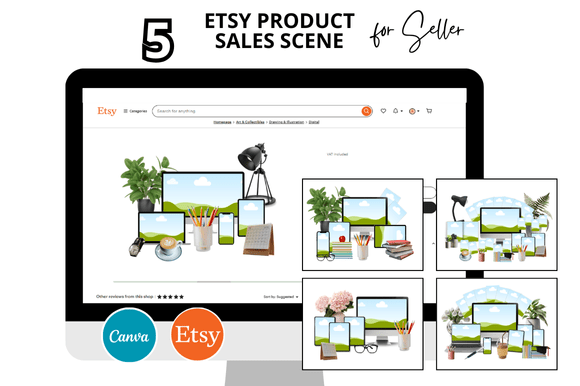
5 Etsy Product Sale Scene
Presenting a cohesive set of product images is a common challenge for Etsy sellers. The 5 Etsy Product Sale Scene is a bundle of Canva mockup templates that helps sellers display up to five products together in a styled, sale-oriented scene. These templates are designed for instant download and can be customized directly in Canva, making them accessible even to sellers without graphic design experience. The bundle typically includes a square listing mockup at 2000 x 2000 pixels, listing video mockups, and additional bonus freebies such as banners or shop covers. This article provides an evaluation of the 5 Etsy Product Sale Scene, focusing on practical considerations for Etsy sellers who are deciding whether such a tool fits their workflow and shop aesthetic.
Why Consider the 5 Etsy Product Sale Scene?
One of the strongest reasons to explore this mockup set is the time it saves. Creating individual product photos from scratch, or hiring a photographer for every listing, can be expensive and slow. The templates offer a pre-designed scene that reproduces a consistent look across multiple listings. Sellers who list many products or run frequent sales may find that a unified visual style strengthens their brand recognition. Additionally, the bundle includes both static and video mockups, which can help meet Etsy’s increasing emphasis on video content in search results and algorithmic recommendations.
The "five-product" format is specifically useful for showcasing a range of items, a product line, or a bundle offer. For example, a stationery shop might display a set of notebooks, stickers, and planners together, giving buyers an immediate sense of depth and variety. Because the templates are fully customizable in Canva, sellers can change colors, text, and product images without learning complex design software. This low barrier to entry is a key reason why many evaluate this option when they consider their overall listing strategy.
Benefits and Tradeoffs
Benefits:
- Time efficiency: The templates eliminate the need to design a scene layout from scratch. Drag-and-drop functionality in Canva allows for quick substitutions of product images.
- Consistent branding: Using the same mockup structure across multiple listings creates a recognizable shop identity. Customers often perceive uniform product shots as more professional.
- Versatile formats: The inclusion of square images (standard for Etsy listings) and video mockups addresses two important visual mediums without extra effort.
- Cost-effective: A single purchase can be reused indefinitely for different product lines, limited only by the licensing terms of the specific bundle.
Tradeoffs:
- Software dependency: The templates are built for Canva. If you prefer Adobe Photoshop, Illustrator, or another tool, adapting the files may require extra steps or re-layout. Canva’s free tier has certain limitations (e.g., fewer fonts, higher export resolution may require Canva Pro).
- Scene rigidity: The "sale scene" aesthetic may not suit every product category. For items that benefit from minimal, clean photography (like jewelry or high-end decor), a cluttered or highly styled mockup could feel distracting.
- Differentiation risk: Because many sellers may purchase similar templates, there is a possibility that shops using the same scene will look alike. Customization (color palette, composition adjustments) helps mitigate this, but the underlying structure may still be recognizable.
- Resolution and file size: While the 2000x2000 px dimension is standard for Etsy, some sellers prefer larger images for print-on-demand or detailed product displays. Verify that the template’s maximum export size meets your requirements (especially if you use Canva’s free plan with limited export options).
Key Considerations Before Choosing
When evaluating the 5 Etsy Product Sale Scene, reflect on your current shop setup and long-term visual goals. Here are practical factors:
- Product diversity: If you sell items that vary greatly in size, shape, or color, the same five-product scene may not accommodate all of them gracefully. You might need to edit the layout for each batch, which reduces the time-saving benefit.
- Brand aesthetic: Review the sample scenes provided by the seller. Does the scene style align with your brand’s tone – modern, vintage, minimalist, playful? If not, customization in Canva can adjust elements, but substantial overhauls may require more effort than starting from a blank canvas.
- Canva proficiency: Are you comfortable with layers, transparency, and basic photo editing in Canva? The templates are user-friendly, but advanced tweaks (like altering shadows or adding new elements) may require practice. Consider checking the included instructions or video tutorials.
- Licensing and usage: Understand the license terms. Some bundles allow commercial use and unlimited prints, while others restrict redistribution. Ensure you can use the mockups for your Etsy product photos without additional fees.
- Video mockup quality: For the video component, check whether it’s a simple slide-show style or a more dynamic scene rotation. Slow-loading or poorly formatted video mockups might not enhance the customer experience as intended.
Situations Where the 5 Etsy Product Sale Scene Is a Strong Fit
This mockup set is especially valuable in certain use cases:
- Shop owners with high listing volume: If you add new products weekly, the efficiency of drag-and-drop mockups can save hours per batch. Limited edition sets or seasonal collections benefit from a quick, uniform presentation.
- Sellers of multi-item bundles: For shops that sell sets (e.g., stationery packs, craft kits, jewelry sets), the 5-product scene visually demonstrates the value of buying the whole group.
- New Etsy sellers: Beginners who haven’t developed a photography workflow can use these templates to create professional-looking listings immediately, while they learn more advanced design skills.
- Digital product sellers: Shops offering digital downloads (planners, printables, templates) often need to show multiple product views or a bundle of files. The scene mockup allows them to display several digital items in one cohesive image.
- Those prioritizing consistency over uniqueness: If your brand objective is clean, systematic product imagery across a large catalog, a ready-made scene is a reliable path to achieve that without reinventing the layout each time.
When Alternatives May Be Worth Considering
No single tool fits every seller’s context. You might explore other options if:
- You require high-end, bespoke photography: For luxury goods or artisan products, a styled photoshoot that reflects unique textures and lighting can communicate quality better than a pre-made scene.
- Your shop’s visual identity is very distinct: If your brand uses unusual compositions, specific props, or a signature color palette that differs dramatically from the template’s design, custom-created mockups or professional photographs may be more effective.
- You sell only one or two products: The 5-product scene is optimized for showing multiple items. For a single hero product, blank background mockups or simpler listing frames might be more appropriate and less overwhelming.
- You prefer working outside Canva: If your workflow relies on Adobe Creative Suite or Affinity, look for layered PSD or AI mockups that integrate directly with those programs. Many standalone mockup generators also produce high-quality images without a subscription.
- You want minimal design time: While the Canva template saves time, customizing the scene (changing colors, swapping in your own graphics, adjusting layout) still requires some effort. If you prefer a fully automated solution, consider mockup generators that process images with fewer manual steps.
Practical Decision-Making Insights
To decide whether the 5 Etsy Product Sale Scene aligns with your goals, start by auditing your current product photography approach. How much time do you spend per listing image? Is your shop’s performance hindered by inconsistent imagery? If you are launching a new shop or revamping an existing one, the template can serve as a benchmark for visual quality. Download the freebies often included with the bundle (if available) to test the mockup style on your own products before purchasing the full set.
Also, compare the cost of the bundle with the time you would spend designing comparable images from scratch. For a solo seller, a $10–$30 investment that saves ten hours of work has a clear positive return. For teams or larger operations, custom design could be more scalable. Consider the tradeoff between a "good enough" scene and a "perfect" one; many Etsy buyers respond well to clear, uncluttered product photography, which this bundle can provide, even if it is not a custom photoshoot.
Finally, factor in the learning curve. The 5 Etsy Product Sale Scene bundle is intuitive, especially if you already use Canva for other shop assets like banners or social media graphics. If you are entirely new to Canva, expect a few hours of initial setup and experimentation before you can efficiently produce listings. Weigh that against the alternative of learning advanced photo editing or hiring a designer.
Overall, the 5 Etsy Product Sale Scene is a practical tool for sellers who value speed, consistency, and affordability in their listing images. By understanding its benefits, limitations, and best-fit scenarios, you can make an informed decision that supports your shop’s growth and aesthetic vision.