Transform Your Etsy Listings with the 50 Etsy Product Sale Scene Bundle
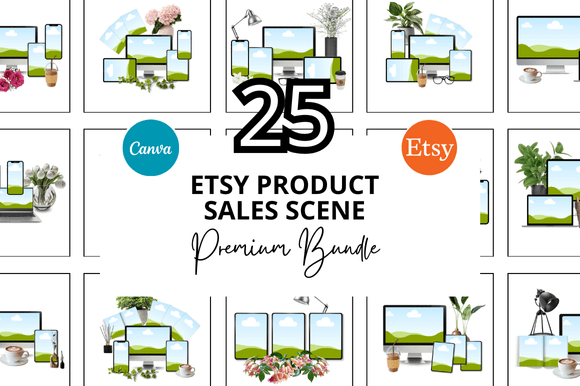
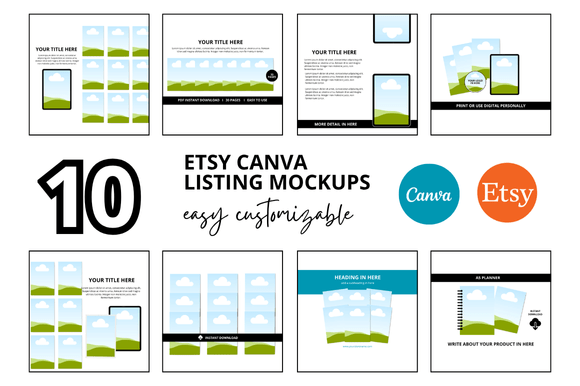
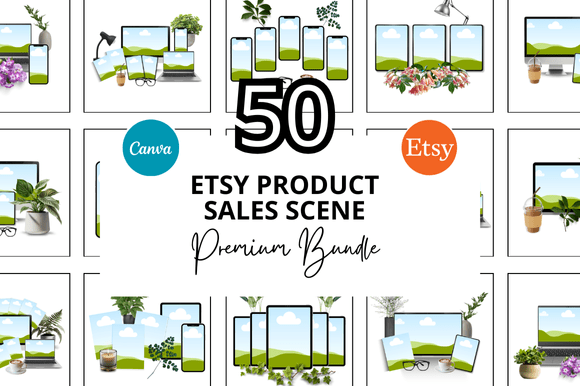
If you sell digital products on Etsy, you know that a great product deserves a great presentation. But creating the right visual for each listing can be time-consuming, especially when you’re juggling multiple items, seasonal promotions, and ever-changing trends. That’s where the 50 Etsy Product Sale Scene Bundle comes in – a comprehensive set of over fifty ready-to-use mockup scenes designed specifically for Etsy sellers. This bundle includes everything from square listing mockups and banner templates to Canva link templates and video mockups, all tailored to help you showcase your digital products in a clean, professional way.
Why Visual Consistency Matters for Etsy Sellers
Etsy is a visual marketplace. Shoppers scan thumbnails and make split-second decisions about whether to click on your listing. A cohesive, polished look not only builds trust but also helps your brand stand out among thousands of similar products. Yet many sellers struggle to maintain that consistency because designing mockups from scratch for each listing is simply too time-consuming. You may find yourself using the same tired template, rushing to create a new scene for every launch, or settling for photos that don’t really match your brand’s style. The 50 Etsy Product Sale Scene Bundle solves this by giving you a library of coordinated scenes that you can customize in minutes, so your entire shop looks intentional and professional.
What’s Inside the Bundle: A Closer Look
This bundle isn’t just a handful of graphics – it’s a full toolkit for any Etsy digital seller. Here’s what you get:
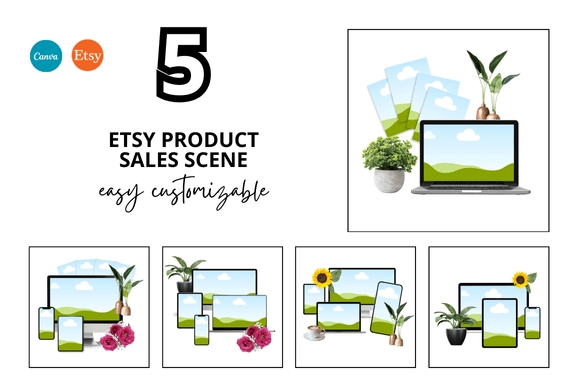
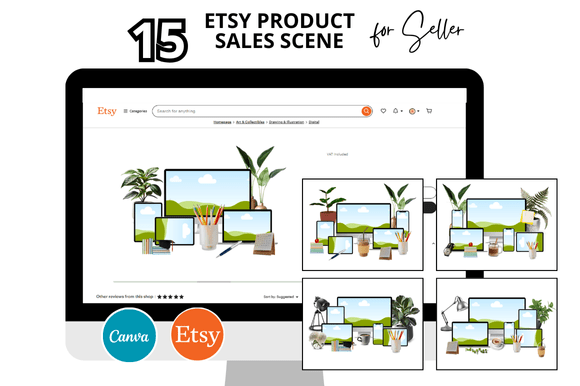
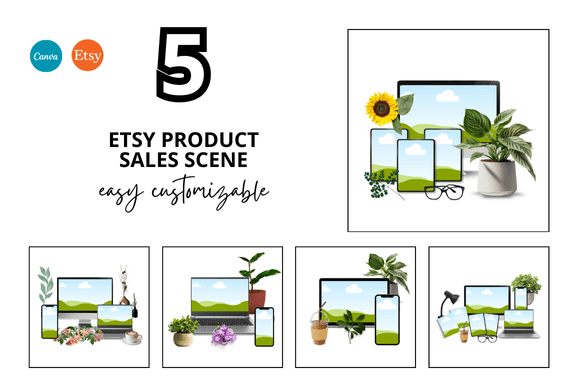
- 50 Ready-to-Use Sale Scene Mockups: Each scene is sized at 2000 x 2000 px, perfect for Etsy listing images, social media promotion, and even Pinterest pins.
- Etsy Frame Mockups: Designed to frame your digital products – whether it’s a printable planner, a digital art print, or an invitation – in a realistic setting that helps customers envision the finished product.
- Canva Templates for Instant Download: All mockups are provided as customizable Canva templates. If you use Canva (and most sellers do), you can immediately edit the text, colors, and images without needing any advanced design software.
- Bonus Freebies: The bundle also includes extra elements like overlays, text stickers, and background accents that add that extra polish to your listings.
- Video Mockup Templates: Etsy now supports listing videos, and this bundle includes motion mockups for video previews – a huge advantage for engaging shoppers.
All files are linked directly to your Canva account, so there’s no heavy downloading or organizing. You can start creating within seconds.
How This Bundle Addresses Common Seller Challenges
Every Etsy seller faces a unique set of hurdles, but a few challenges are almost universal. Let’s see how the 50 Etsy Product Sale Scene Bundle directly tackles them.
1. You Spend Too Much Time on Mockups
Time is money. Many sellers report spending an hour or more on a single listing image – searching for backgrounds, arranging props, adjusting lighting. With this bundle, you have 50 pre-staged scenes ready to go. Simply drag your product into the frame, adjust the colours to match your brand, and you’re done. The templates are designed to look great right out of the box, so you can cut your design time by 80% or more.
2. Your Listings Don’t Look Cohesive
A scattered shop logo or mismatched backgrounds can confuse buyers and lower your perceived professionalism. Because all 50 scenes share a similar clean aesthetic (neutral backgrounds, natural lighting, subtle shadows), your entire shop will feel like a curated collection. Customers who see a consistent look across your banner, listing images, and social media posts are more likely to remember your brand and come back for more.
3. You Need to Create Multiple Versions for Different Markets
Selling printable planners, digital stickers, or invitations? You probably need different orientations, sizes, and styling for each product type. The 50 Etsy Product Sale Scene Bundle includes a variety of layouts – flat lays, desk shots, hanging frames, tablet displays – so you always have a scene that fits your product. For example, a digital art print looks stunning in a framed wall mockup, while a printable budget planner works best in an open notebook scene.
4. You Struggle with Video Listings
Etsy’s algorithm favours listings with video, but creating a professional video mockup can be intimidating. The video mockup templates in this bundle are simple to customise: you paste your design into the screen area and the animated background does the rest. You get an eye-catching preview that plays on the listing page without needing any video editing skills.
5. You Want to Stay on Trend Without Redesigning Everything
Design trends evolve. The bundle’s scenes are intentionally timeless – clean lines, soft lighting, and neutral tones that won’t look dated next year. Plus, because everything is customizable, you can update the colours, add seasonal text, or swap in new props quickly whenever you want a refresh.
Practical Applications: Different Users, Different Approaches
How you use the 50 Etsy Product Sale Scene Bundle will depend on your specific shop and workflow. Here are three common scenarios.
The New Seller Building Their First Listings
If you’re just starting out, your main goal is speed – you want to launch as many quality listings as possible to test the market. This bundle gives you a professional foundation without requiring any design experience. Pick your favourite scene, upload your product image (e.g., the PDF cover of your printable), add your listing title or a short text overlay using the included Canva text styles, and export. You can have a full set of listing images ready in under 15 minutes. The bonus freebies like “New” badges and price tags help you create urgency without extra work.
The Established Seller Scaling Their Shop
If you already have dozens or hundreds of listings, you know the pain of updating images for every new product. With 50 different scenes, you can batch-create multiple listings in one sitting. Open the Canva template, duplicate the frame, swap out product images one after another, and save. The bundle also works beautifully for banners and shop sections – use one scene for your shop announcement image, another for your bestseller section, and maintain total visual harmony.
The Digital Product Creator Who Sells on Multiple Platforms
Sellers who also market on Instagram, Pinterest, or Teachers Pay Teachers will find the bundle invaluable. The square format (2000x2000) is perfect for social media. You can use the same mockup for your Etsy listing, then repurpose it as a pin graphic or an Instagram post with just minor text adjustments. The Canva link templates allow you to add a direct clickable link to your product, making it easy to drive traffic from your social media to your shop.
Implementation Tips for Maximum Impact
To get the most out of the 50 Etsy Product Sale Scene Bundle, follow these recommendations:
- Customise colours to match your brand. While the scenes come in neutral tones, you can quickly change the background colour, the colour of frames, and any text overlays in Canva. Stick to 2-3 brand colours for a professional look.
- Use consistent fonts. The bundle includes editable text layers. Choose one or two fonts for your shop and use them across all mockups. This subtle repetition reinforces brand recognition.
- Add your product in high resolution. The mockup frames are designed to hold your product image cleanly. For best results, upload the actual PDF cover or JPG at 2000x2000 px so it aligns perfectly with the scene.
- Take advantage of video mockups for your top 5-10 listings. Etsy’s search algorithm tends to favour listings that include a video. Use the video templates to create short clips that show your product in use, and upload them as the first media item.
- Batch your work. Set aside an hour to go through all 50 scenes and assign them to different product types. Store them in a Canva folder called “Etsy Sale Scenes” so you can quickly drag and drop new products into existing templates.
- Don’t forget the bonus freebies. The extras like sale banners, “Freebie” stickers, and decorative elements can be used to highlight special offers or to create a sense of value in your listing thumbnails. Use them sparingly to avoid clutter.
Outcomes: What You Can Expect After Using This Bundle
Sellers who adopt a systematic approach to their listing visuals typically see improvements in three key areas:
- Faster listing creation: Instead of spending days designing images for a new product line, you can launch in hours. More listings mean more opportunities to be discovered.
- Higher click-through rates: Consistent, attractive thumbnails stand out in search results. When shoppers see a clean, professional scene, they are more likely to click and read your description.
- Stronger brand identity: As buyers browse your shop and see a unified visual style, they begin to associate that look with quality. Over time, this builds customer loyalty and repeat purchases.
The 50 Etsy Product Sale Scene Bundle is designed to make these outcomes accessible even if you have no design background. Every template is fully editable in Canva, so you retain complete control over your brand while saving hours of painstaking assembly.
Final Thoughts: Save Time, Sell More, and Enjoy the Process
Running an Etsy shop is a labour of love, but the administrative and design tasks can drain your creative energy. By investing in a well-crafted mockup bundle, you free yourself to focus on what truly matters – developing great products, listening to customer feedback, and growing your business. The 50 Etsy Product Sale Scene Bundle with its Etsy frame mockups, Canva instant download templates, and bonus freebies gives you a practical, ready-to-use solution for one of the most repetitive parts of being a digital seller. Whether you are just launching your first printable or you manage a full Etsy Digital Shop, these templates are built to help you present your work in the best light possible.
Happy designing – and remember, every professional listing starts with a scene that tells a story. Let these 50 scenes be the backdrop for your success.